How the technology works
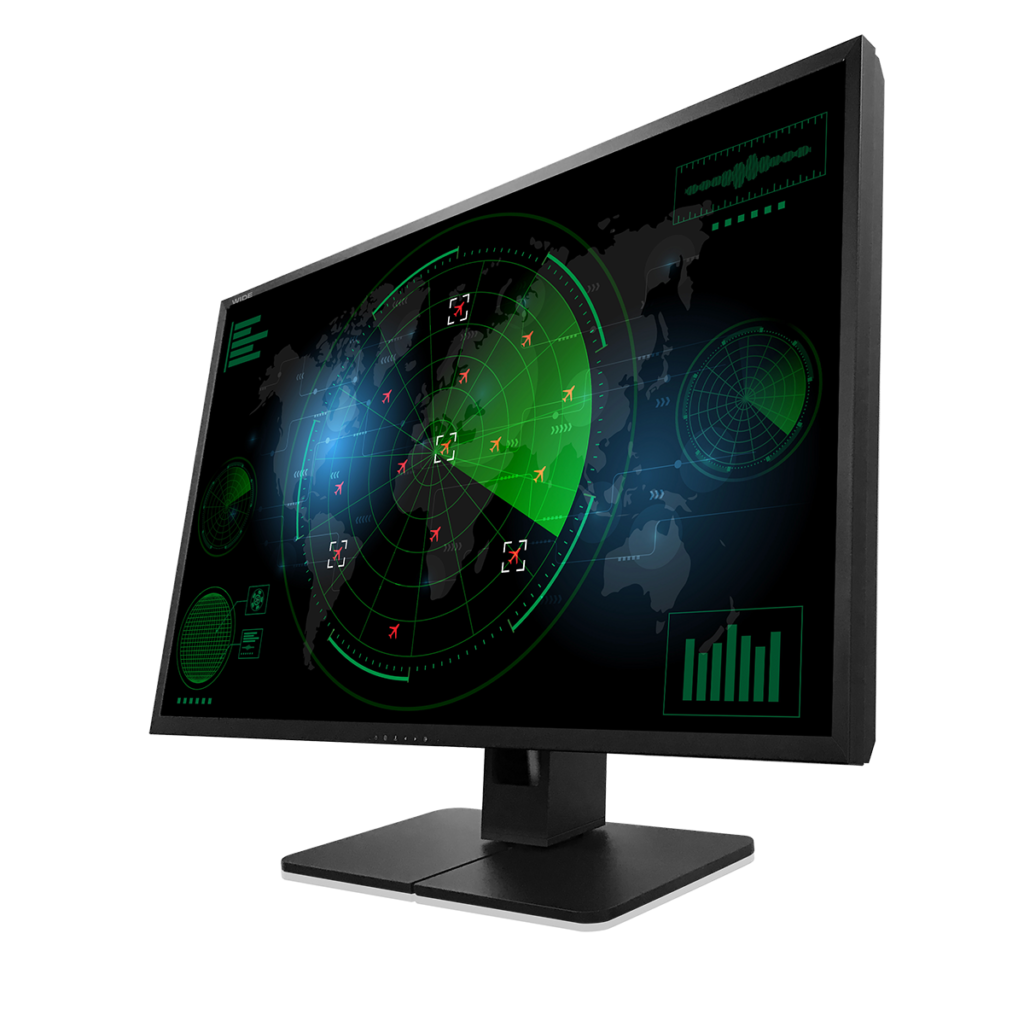
Clinical and modality displays typically rely on a combination of:
LUT-based rendering (10-bit or higher depending on model) for smoother tonal transitions
Brightness stabilization (e.g., SBC) to reduce visible drift during operation
Preset modes (including DICOM-mode options on certain models) to align output behavior with clinical expectations
For organizations that want stronger process control, the referenced QA software documentation describes calibration to DICOM GSDF and broader acceptance/conformance testing with reporting and scheduling/reminders.
Advantages and limitations
Advantages include consistent clinical presentation, straightforward connectivity for carts/consoles, and the option to run repeatable QA routines when required.
Limitations depend on the use-case: selecting the right model class (clinical vs modality vs diagnostic) matters, and facilities should align deployment with internal policies and required standards.
Applications
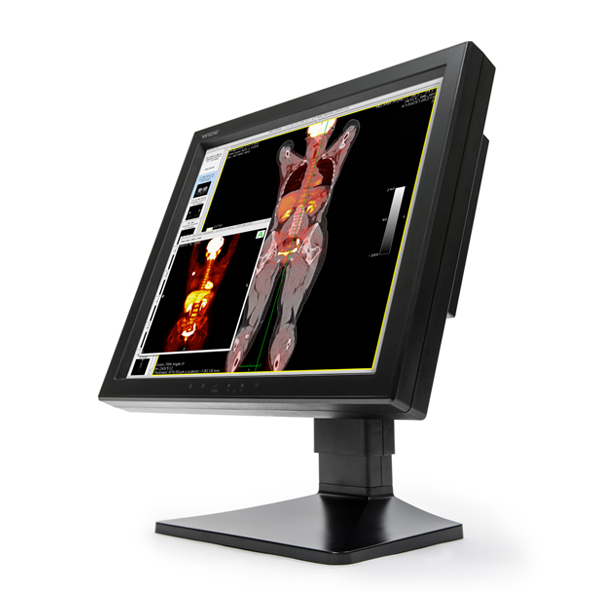
Modality consoles and carts (mixed inputs and preset view modes)
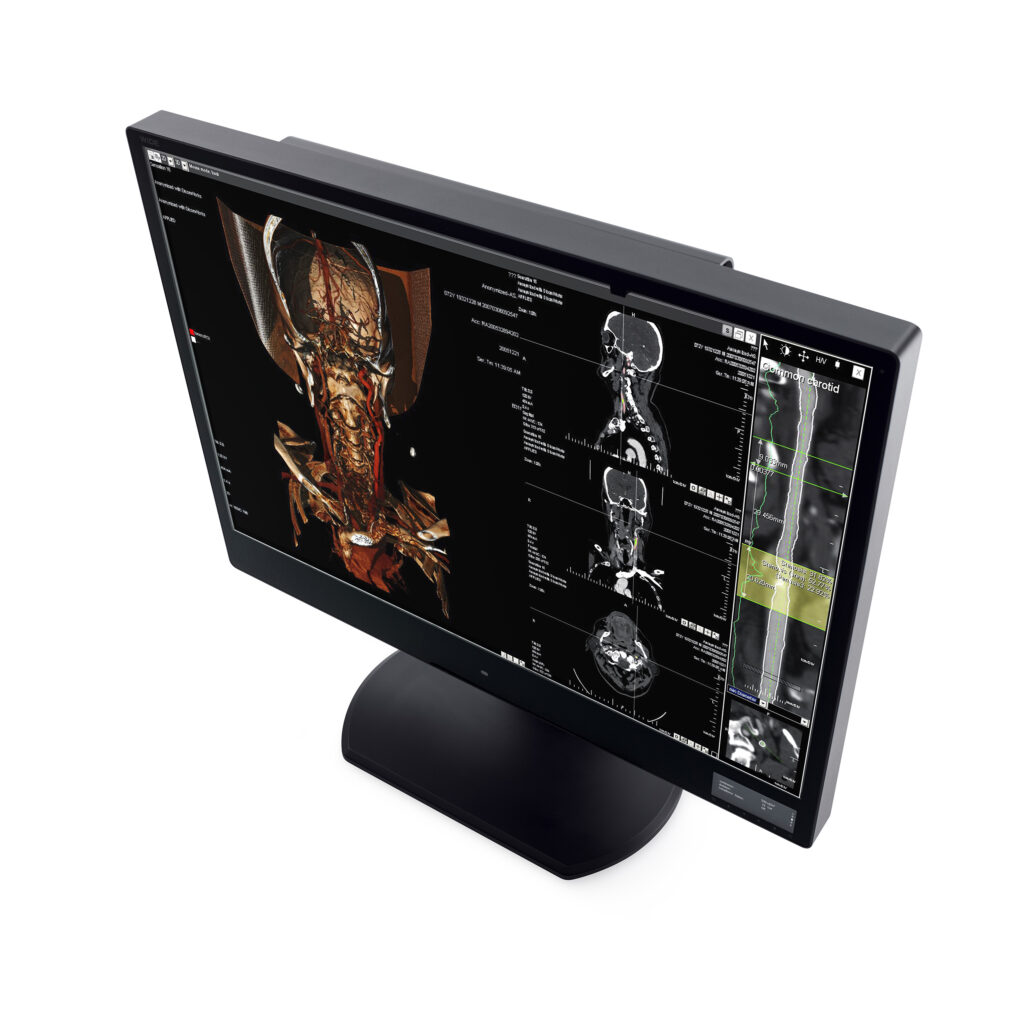
Clinical review areas (multi-windowing, stable brightness behavior)
Standardized monitor management programs (calibration + QA reporting)
Conclusion
Clinical & modality displays succeed when they reduce friction: dependable brightness behavior, practical DICOM-oriented modes where appropriate, and connectivity that “just works.” This lineup is shaped around those realities, with optional calibration/QA tooling for teams that need tighter control.